
The CIVC professional extranet shares its credentials with the eCO portal. Any vulnerability on one exposes the other. We find that most incidents reported by members stem not from a sophisticated attack, but from an outdated browser, a reused password, or a click on a phishing link. Securing your connection to the CIVC extranet account primarily requires daily technical discipline.
Check the browser-device chain before any CIVC connection
A strong password protects nothing if the browser carrying it has a known vulnerability. Recommendations shared by Service-Public.fr (August 28, 2026) emphasize the prompt installation of updates for software, applications, and devices to fix these vulnerabilities. The CIVC extranet is no exception to this rule.
Before opening a session, we recommend checking three points on the device used:
- The browser (Firefox, Chrome, Edge) must be up to date. A version older than a few weeks may have vulnerabilities already exploited by phishing kits targeting professional portals.
- The operating system of the device or mobile terminal must have the latest security patches. An unupdated Android or iOS smartphone remains an entry point, even with a complex password.
- The antivirus or the protection module integrated into the system must be active and up to date. On a shared device (harvest room, cooperative office), this point is often overlooked.
When you need to log into your Civc extranet account from an unusual device, prefer a private browsing session and close it immediately after use. Never save the password on a shared device.

Phishing targeting the CIVC extranet: recognizing a fake login link
Fraudulent emails imitating notifications from the Champagne Committee circulate regularly. The classic scenario: a message asking to “validate your extranet access” or “update your member information” via a clickable link. The link redirects to a page visually identical to extranet.comitechampagne.fr, but hosted on a third-party domain.
The only legitimate login address is extranet.comitechampagne.fr, entered manually in the browser’s address bar. Service-Public.fr reminds us to check the sender, not to open suspicious attachments, and to never click on a login link received by email or SMS without prior verification.
If in doubt about a message, we recommend not interacting with the email and going directly to the portal by typing the address. If you clicked and entered your credentials on a suspicious page, immediately change your password from the official extranet and notify your account administrator.
Management of CIVC accounts and sub-accounts: limiting the exposure surface
The CIVC identifier system relies on an administrator account (format “99999”) and sub-accounts (format “99999_text”). Each sub-account has its own password and email address. This architecture offers a security lever that many operations underutilize.
One sub-account per collaborator reduces the risk in case of departure or compromise. Closing a sub-account does not affect the administrator account. Conversely, sharing the main account password among multiple people creates a structural vulnerability: it becomes impossible to trace who did what, and changing the password after someone leaves requires redistributing the new code to the entire team.
Best practices for configuring sub-accounts
When creating a sub-account on the extranet, the administrator defines the access rights. We recommend applying the principle of least privilege: grant eCO access only to collaborators who truly need it. A sub-account intended for viewing harvest data does not need modification rights for declarations.
Each sub-account should use a unique password, distinct from any other service. A password of at least twelve characters, combining uppercase letters, lowercase letters, numbers, and special characters, is the threshold recommended by current security standards.
Also, consider periodically auditing the list of active sub-accounts. An orphaned account (departed collaborator, seasonal intern) remains an open door as long as it is not disabled.
Two-factor authentication on the CIVC extranet: what is documented and what is not
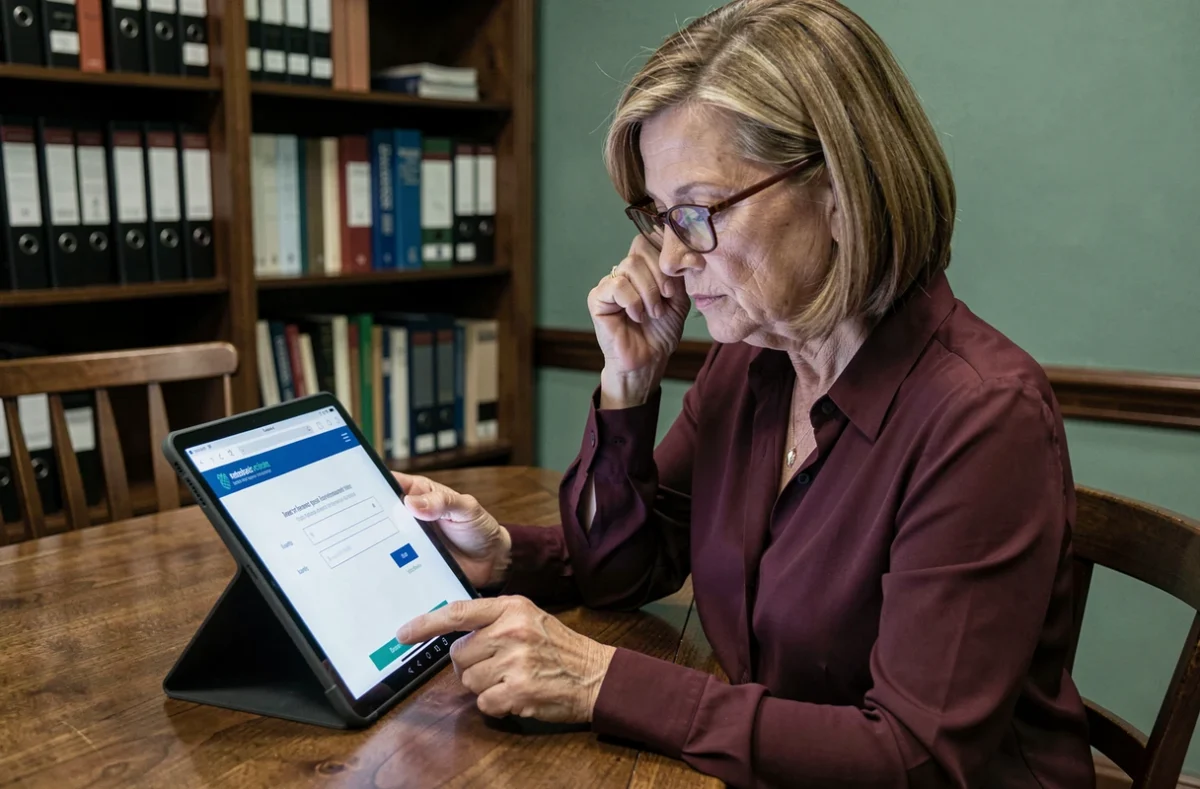
Multi-factor authentication (MFA) is the standard for protecting professional portals. Official French guides recommend activating it as soon as it is offered. The public documentation of the CIVC extranet does not confirm the availability of an MFA mechanism.
This documented absence does not mean that the function does not exist, but that you need to check directly in the security settings of your extranet account. If the option appears, activate it without hesitation. If it is not offered, compensate with increased rigor on other layers of protection: strong password, updated browser, anti-phishing vigilance.
Additionally, a password manager (KeePass, Bitwarden, or equivalent) allows you to store the CIVC identifier in an encrypted vault rather than in a text file or a sticky note on your desk. This simple measure eliminates the risk of leakage through direct reading.
Reacting after a connection incident on the CIVC portal
A rejected password when it has not been changed, a session opened from an unknown device, an email recovery address changed without your intervention: these signals should trigger an immediate reaction.
- Change the password of the affected account from the official extranet (extranet.comitechampagne.fr), by entering the address manually.
- If the compromised account is a sub-account, the administrator must disable it and create a new one with different credentials.
- Check the email address associated with the account: an attacker often modifies it to intercept future reset requests.
- Contact the CIVC to report the incident, especially if the administrator account is affected.
The speed of reaction determines the extent of the damage. An untreated compromised account exposes harvest declarations and the economic data of the operation. Documenting the incident (date, time, actions taken) facilitates processing by the Champagne Committee teams and provides a useful record in case of dispute.